

tokboosting
Free tool

TikTok Profile Picture Downloader in full size

Enter any public TikTok or Instagram username and get the profile picture in the highest resolution available — ready to view or download. Free, no sign-up, no password.

Free foreverNo sign-upNo password
Profile Picture DownloaderFree · HD
Try:
PreviewExample
@usernameDownload HDFull size

Enter a username to see the profile picture in full size.

Full-size picture

The largest version TikTok keeps — usually 1080 × 1080 — instead of the small circle.

One-tap download

Save the image with a clean file name, or open it full size in a new tab.

No login needed

Only a public username. Nothing private is accessed and no one is notified.

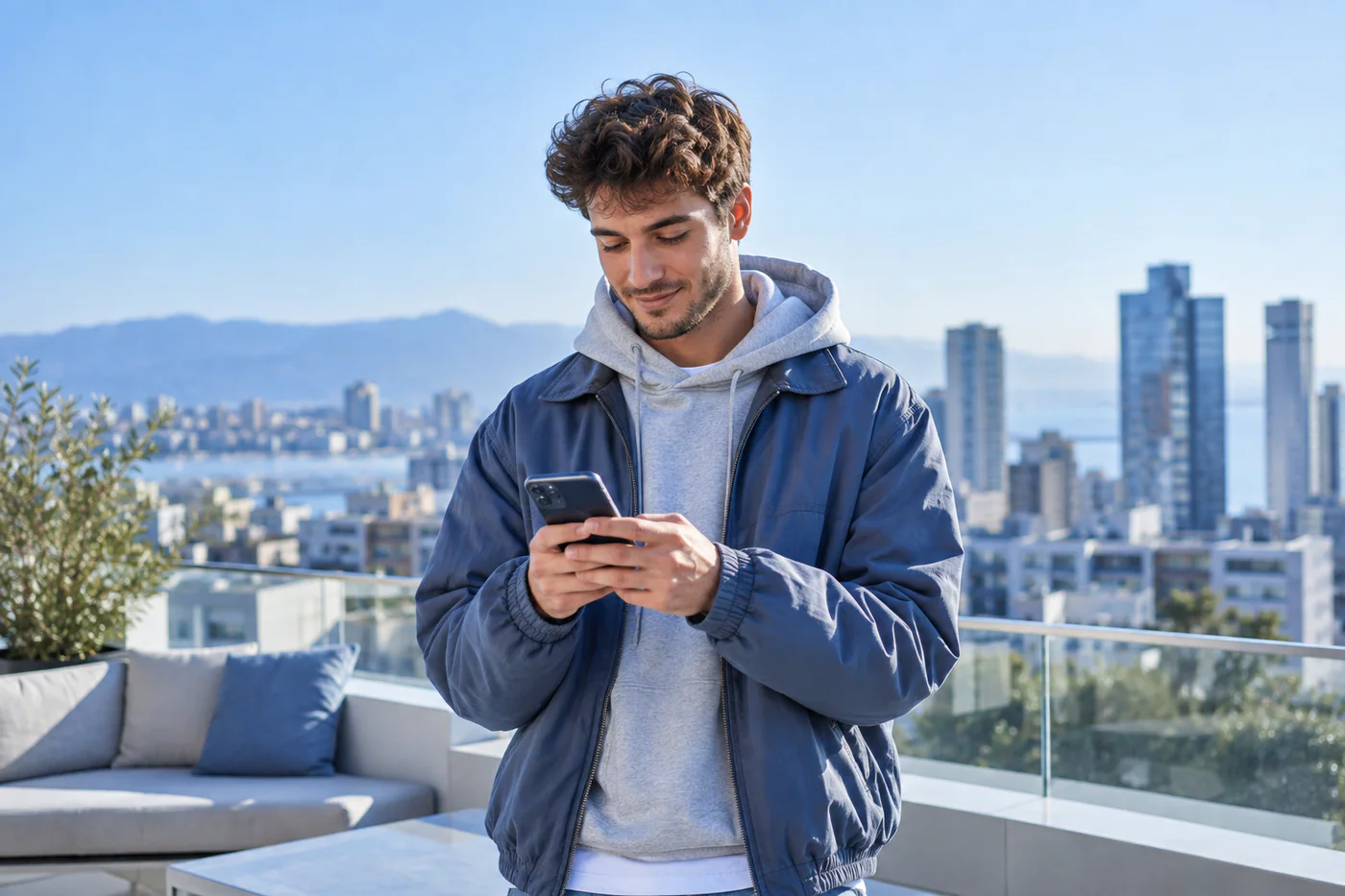
Creator checking his phone on a rooftop
TikTok Profile Picture DownloaderFree · ready in seconds
See it clearly

Check a profile picture the way visitors see it

Before a rebrand, compare how your photo looks at full size and as a small circle. Recover your own picture when the original file is gone, or confirm an account is genuine before you reply.

  • Largest size available
  • TikTok and Instagram
  • Public pictures only
Try it now
How it works

How to download a profile picture

1Pick the platformChoose TikTok or Instagram above the search field.
2Enter the usernameType the @username of a public account — with or without the @.
3DownloadTap Download HD to save the image, or open it full size in a new tab.
The guide

Why TikTok shows profile pictures so small

Inside the app, profile pictures appear as small circles, and the image TikTok loads for them is scaled down. The platform still stores a larger version of the picture the account owner uploaded. This tool asks for that larger version, so you see the photo in the best quality TikTok or Instagram keeps.

What people use it for

  • Checking your own profile picture at full size before a rebrand, to see how it crops and how sharp it is.
  • Saving a copy of your own avatar when you have lost the original file.
  • Confirming that an account is who it claims to be by looking at the picture clearly.
  • Collecting creator avatars for an agency pitch or a collaboration mood board — with the creators’ permission.

Respect the owner

Profile pictures belong to the people who uploaded them. Viewing a public image is fine, but reusing someone else’s photo — for example as your own avatar, in ads, or to impersonate them — can break copyright law and the platforms’ rules. The tool only fetches images the platform already shows publicly; nothing hidden is accessed.

FAQ

Frequently asked questions

Is the TikTok profile picture downloader free?

Yes. It is free to use, with no sign-up and no limits for normal use.

Does it work for private accounts?

It shows the profile picture that TikTok or Instagram displays publicly, which is usually visible even for private accounts. Posts and other content of private accounts are never accessed.

Will the account owner know I downloaded their picture?

No. The tool reads the public profile the same way a browser does and does not notify the account.

Why is the image not very large?

The size depends on the photo the owner uploaded. The tool always requests the largest version the platform keeps.

Do you need my TikTok password?

No. You only enter a public username. We never ask for passwords.

Premium growth services

Growing your own profile?

A sharp profile picture is the first step. When you are ready, packages for followers, likes and views are one click away.

Explore TikTok packages